CPL + ND8/16/32 Filter Kit for Insta360 Go Ultra
Category: 3C Electronics
TELESIN CPL + ND8/16/32 Filter Kit for Insta360 GO Ultra | Lens Protection
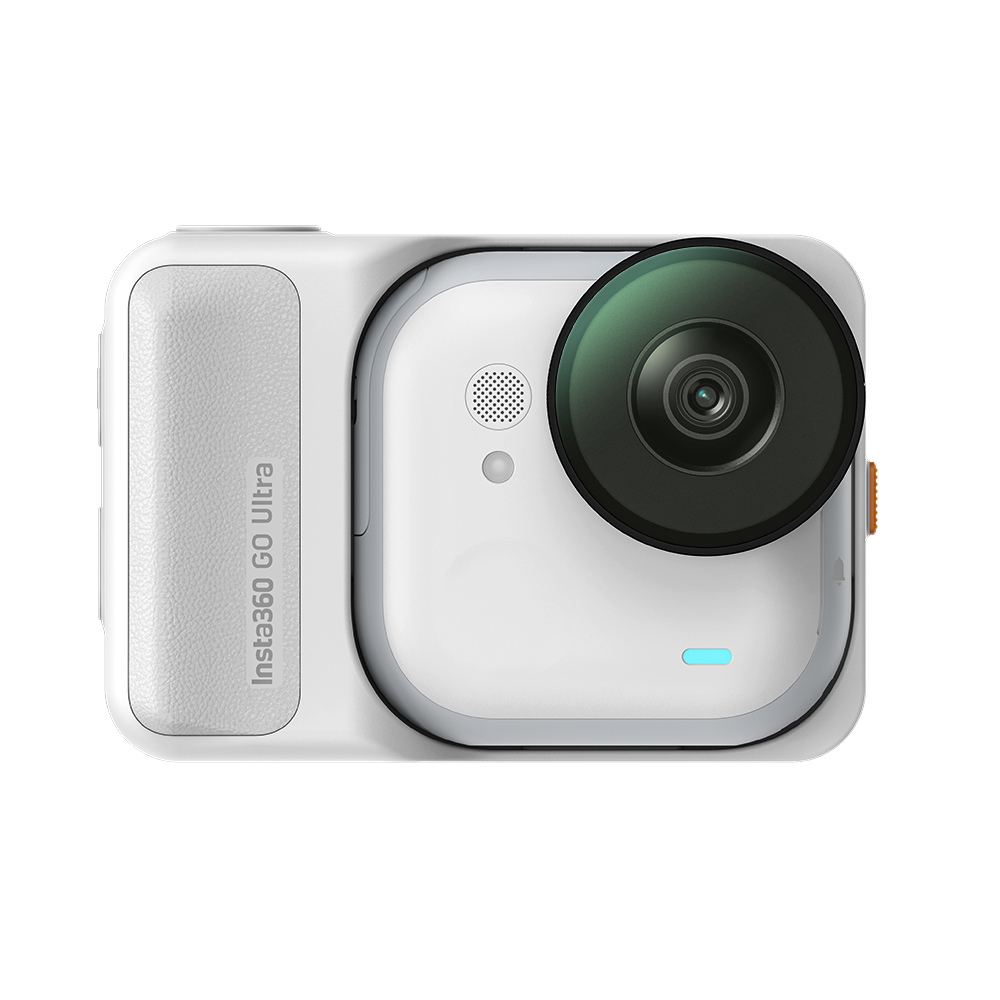
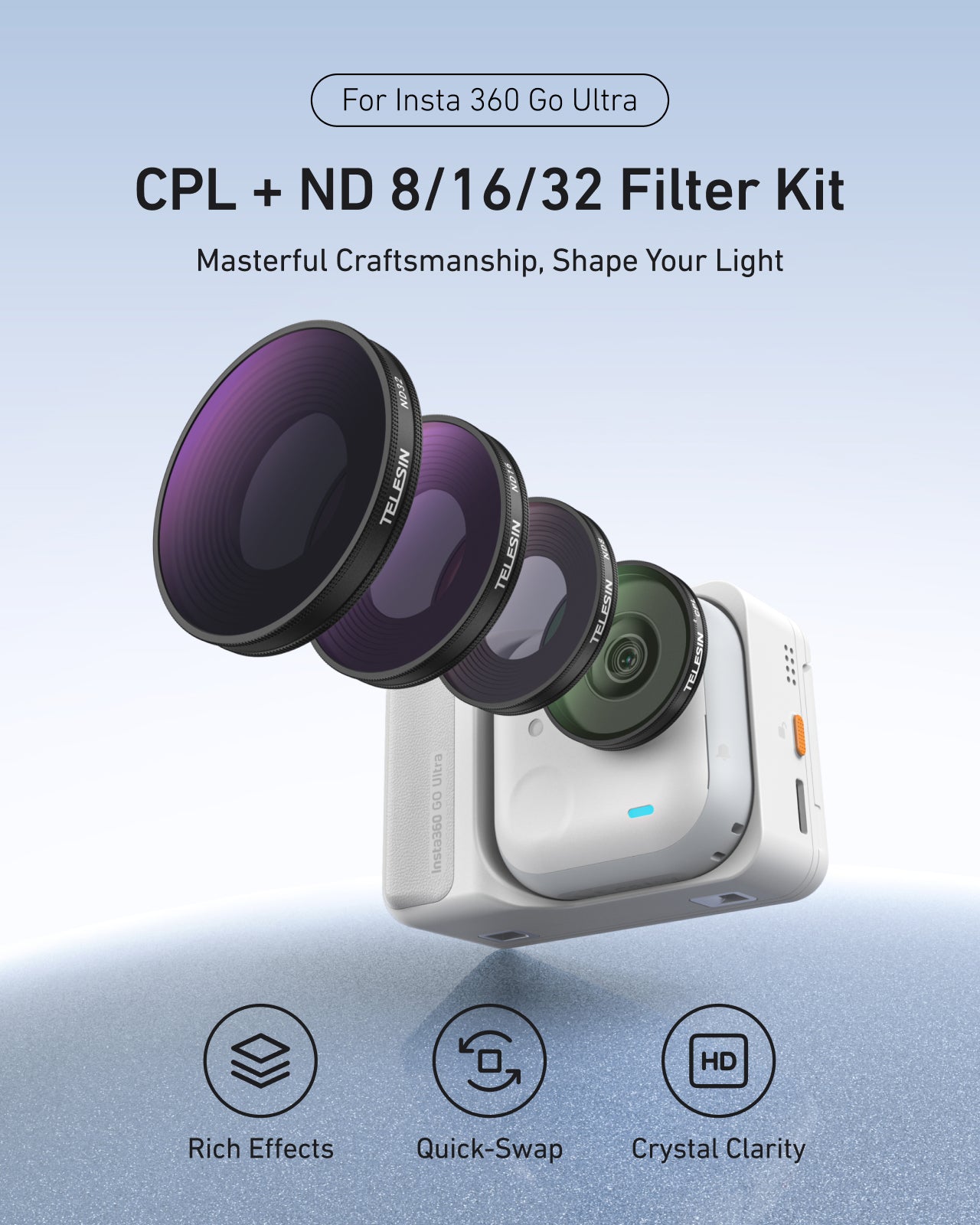
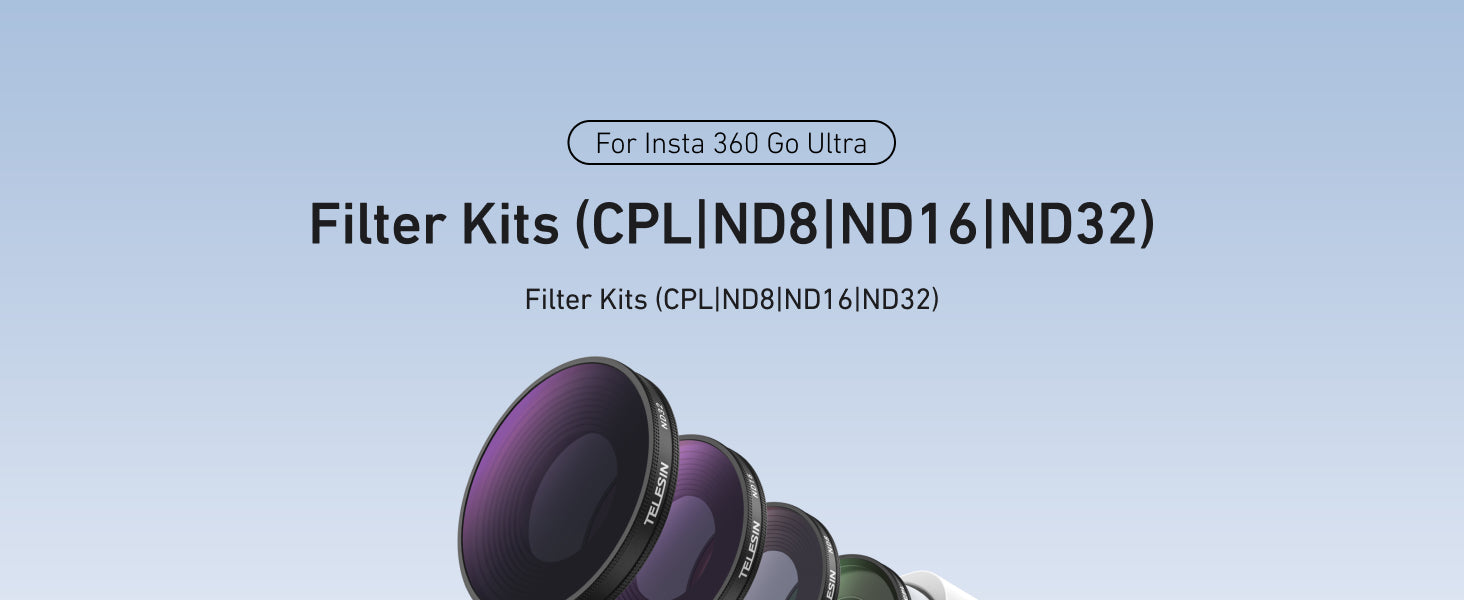
TELESIN CPL + ND8/16/32 filter kit for Insta360 GO Ultra / GO 3 Ultra. Cut glare, balance exposure and protect your lens for cleaner, more cinematic outdoor POV shots.
Get Cinematic GO Ultra Footage in Harsh Light
Insta360 GO Ultra is built for lightweight, on-the-go POV shooting—but harsh sunlight, strong reflections, and an exposed lens can still ruin a perfect shot.
This dedicated TELESIN CPL + ND8/16/32 Filter Kit for Insta360 GO Ultra / GO 3 Ultra solves exactly those problems, giving you:
- Balanced exposure in bright conditions
- Less glare and reflection on water, glass, snow, and wet roads
- Richer colors and contrast straight out of camera
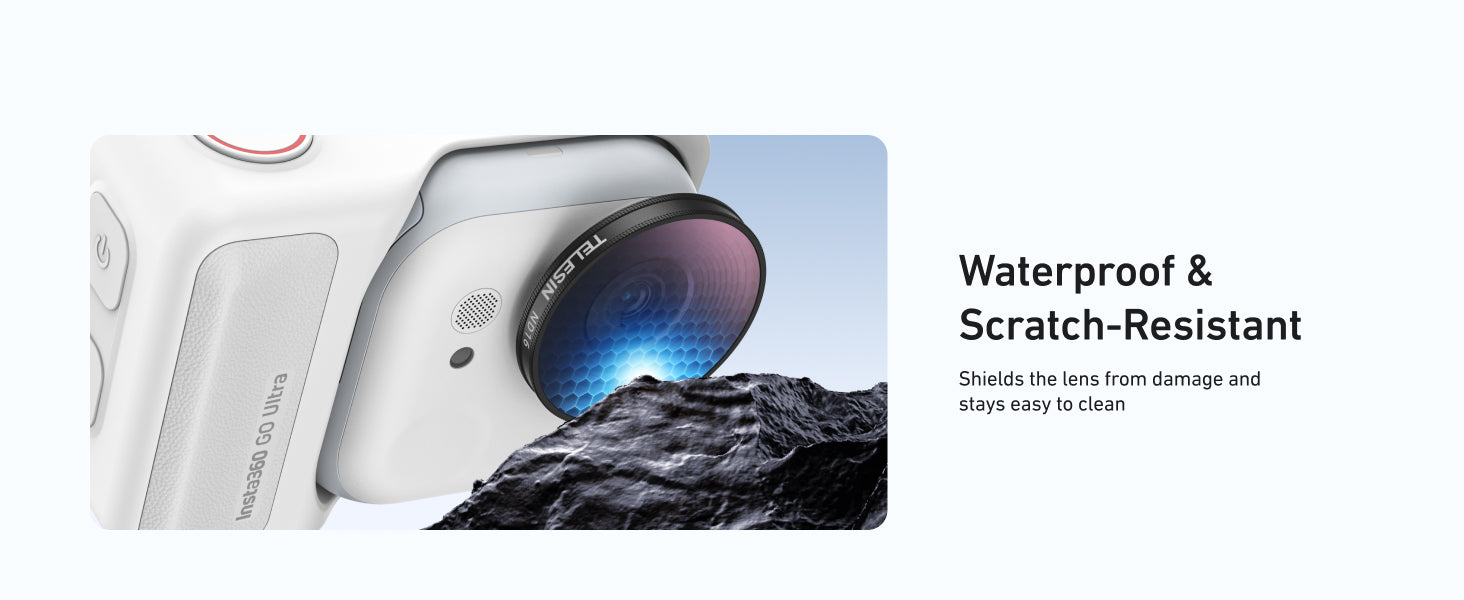
- Extra protection for the GO Ultra lens with coated optical glass
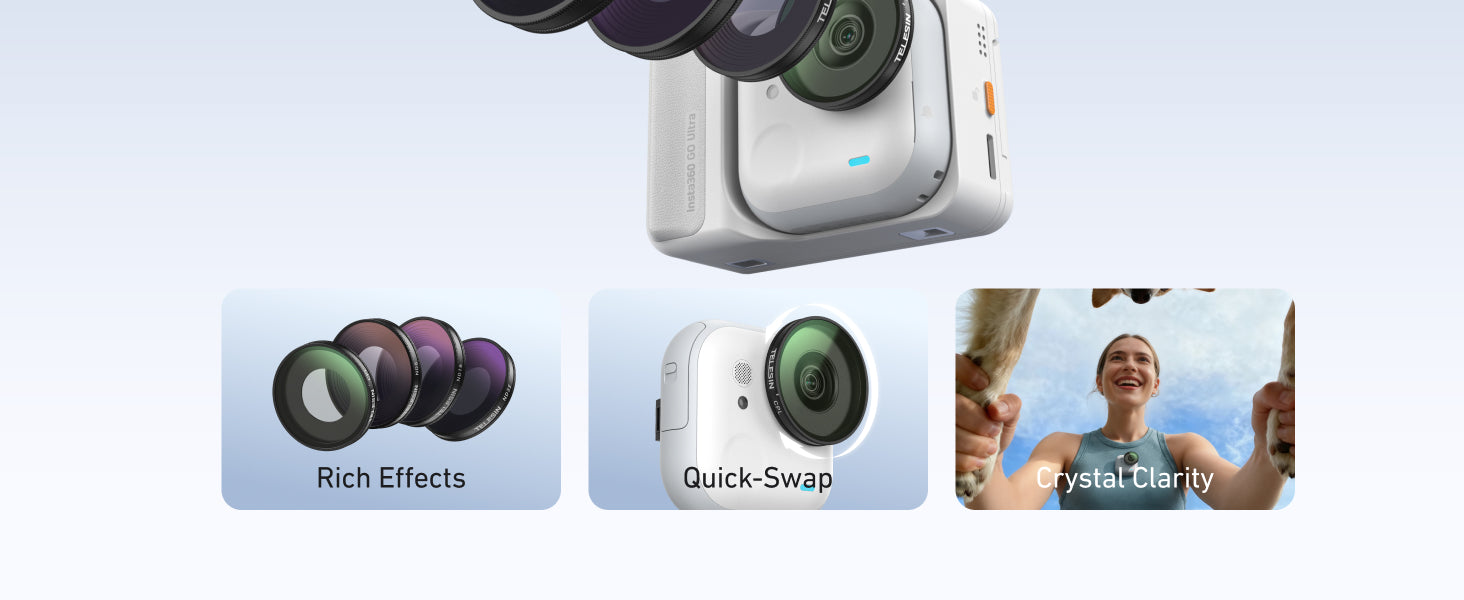
- A quick-swap design that keeps your shooting workflow fast
If you regularly shoot outdoors with GO Ultra and want cleaner, more controlled footage, this is the simplest upgrade you can add.
Why Does Insta360 GO Ultra Need CPL & ND Filters Outdoors?
Common Problems Without Filters
Even with GO Ultra’s advanced imaging, outdoor shots often suffer from:
- Blown-out highlights in sky, snow, or white buildings
- Flat, low-contrast footage in hard midday sun
- Strong reflections on water, car windows, shop fronts, and wet roads
- Overly “crispy” motion when shutter speed is forced very high in bright light
An unprotected lens that’s exposed to dust, grit, and accidental bumps
These issues cost you time in post and can make POV clips look less cinematic.
How CPL & ND Filters Fix These Issues
This kit combines a CPL (circular polarizer) and ND filters (ND8/16/32) to give you more control:
CPL (Circular Polarizer)
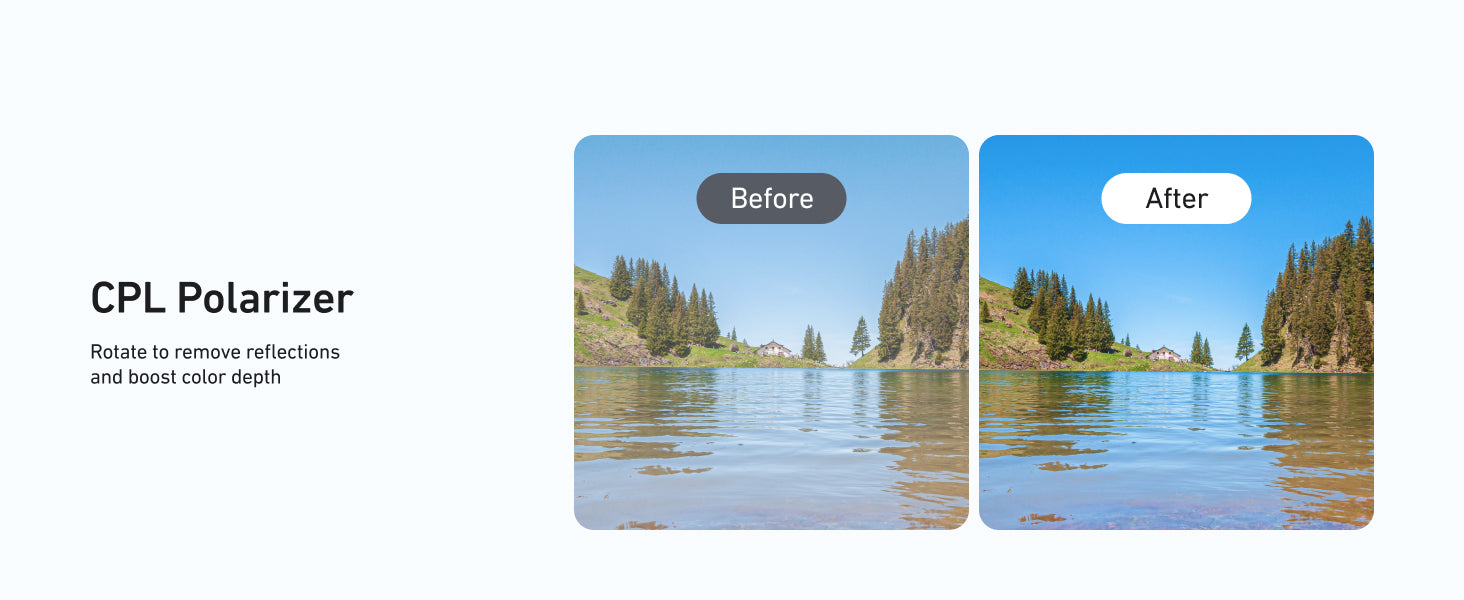
Cuts unwanted reflections on water, glass, and shiny surfaces
Deepens blue skies and green foliage for more vivid landscapes
Restores contrast so scenes look closer to what your eyes see
ND Filters (Neutral Density)
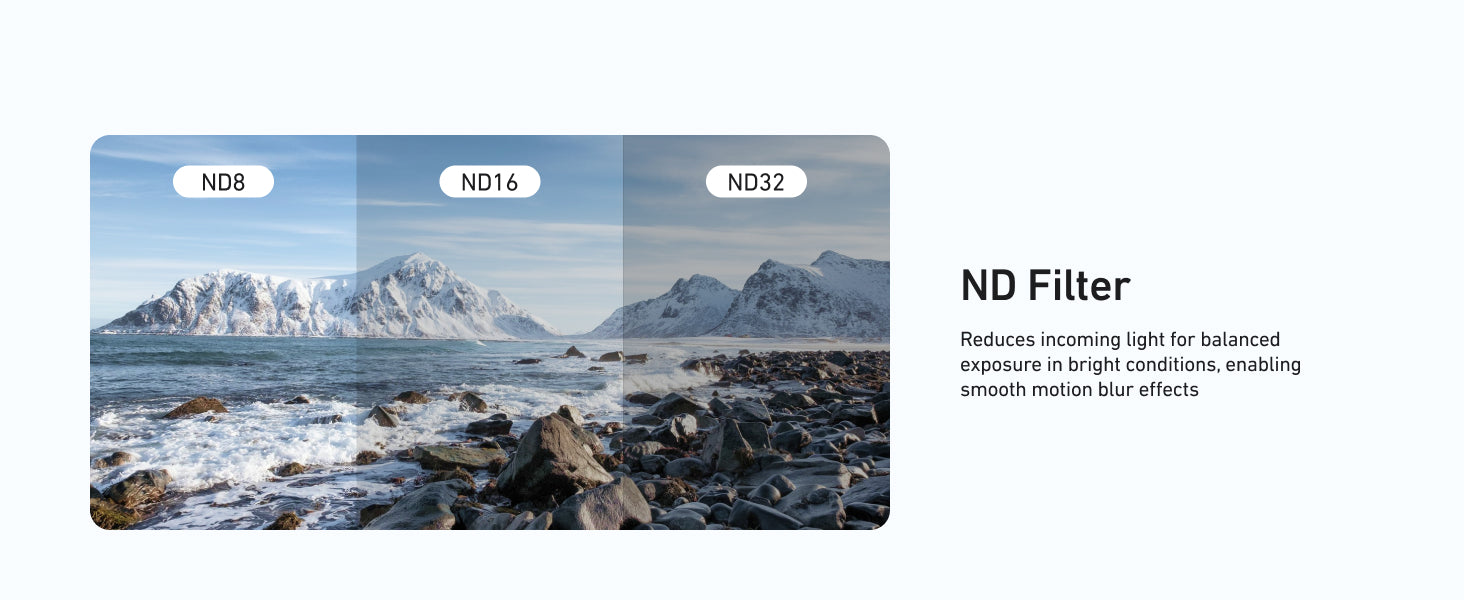
Reduce incoming light so GO Ultra doesn’t have to max out shutter speed
Help keep motion blur more natural, especially in fast action
Prevent bright scenes from turning into a blown-out white mess
Together, they help your GO Ultra stay in a “cinematic comfort zone” instead of fighting against harsh light.
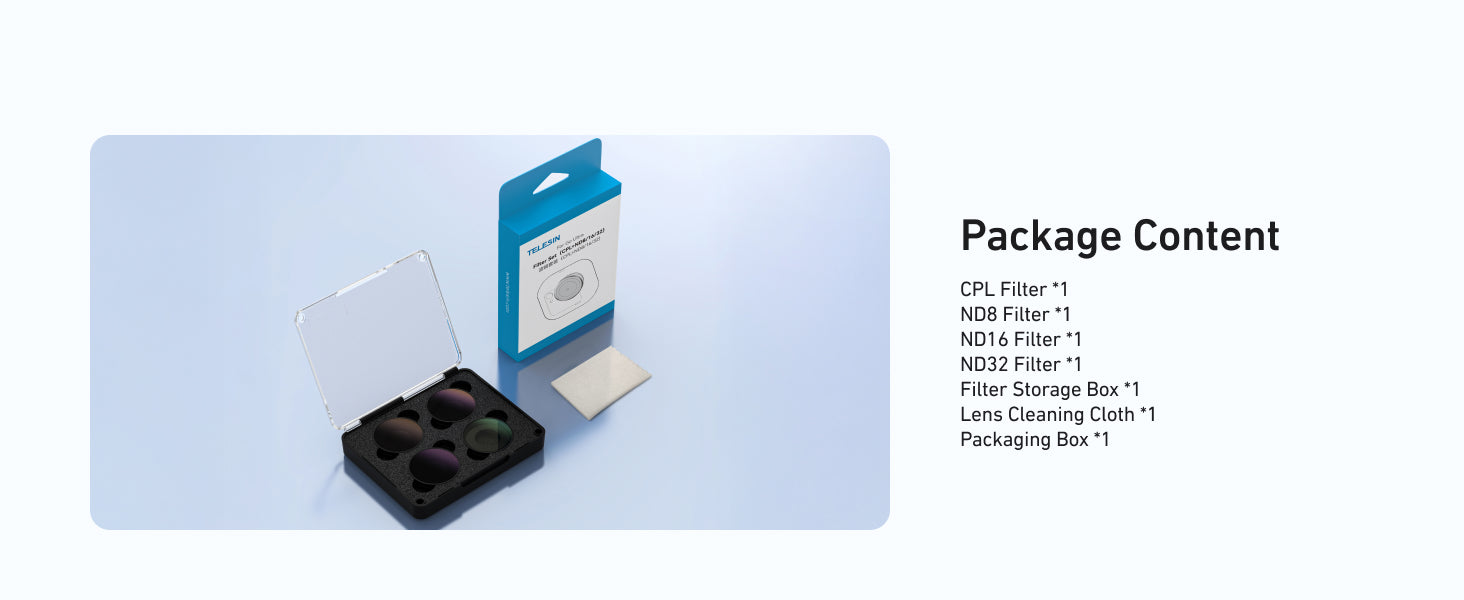
What’s Included in the TELESIN Filter Kit?
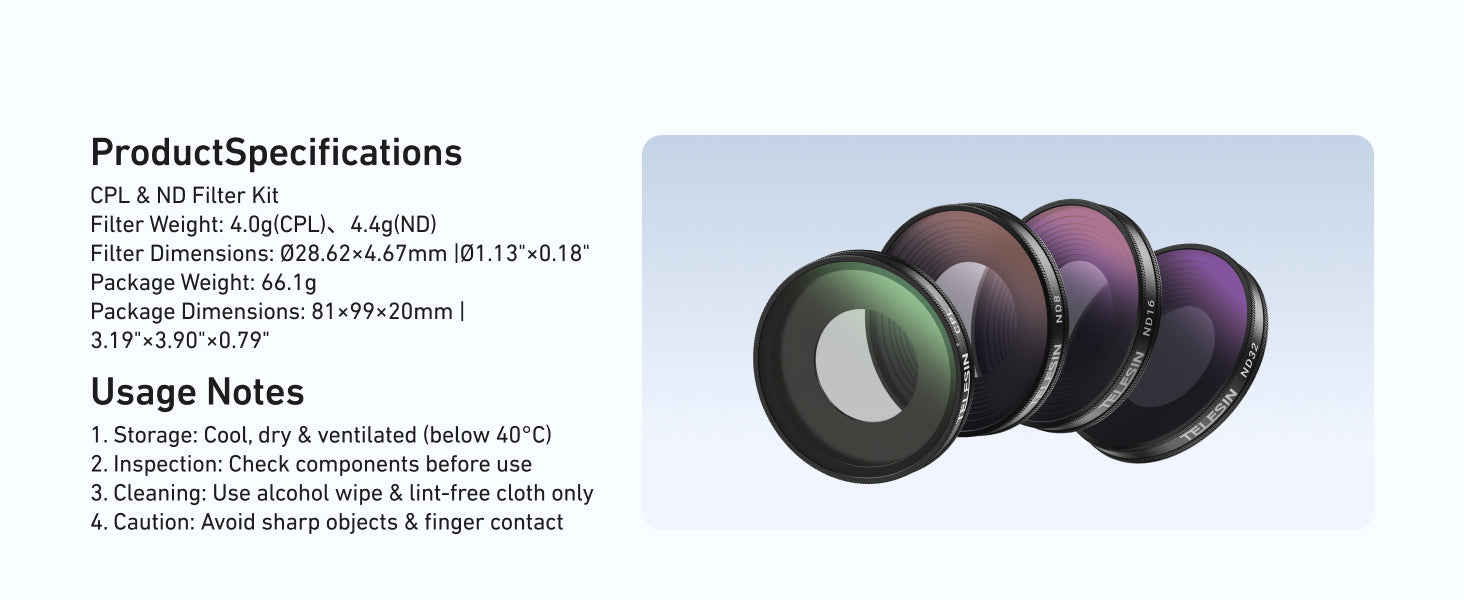
Filter Overview and Primary Uses
|
Filter |
Type |
Role |
Best For |
|
CPL |
Circular polarizer |
Cuts glare, boosts color & contrast |
Water, glass, wet roads, reflective surfaces |
|
ND8 |
Neutral density |
Light reduction for soft motion blur |
Slightly bright / overcast days, open shade |
|
ND16 |
Neutral density |
General-purpose bright light control |
Sunny daytime city, travel, trails |
|
ND32 |
Neutral density |
Strong light reduction in extreme brightness |
Snow, beach, open water at midday |
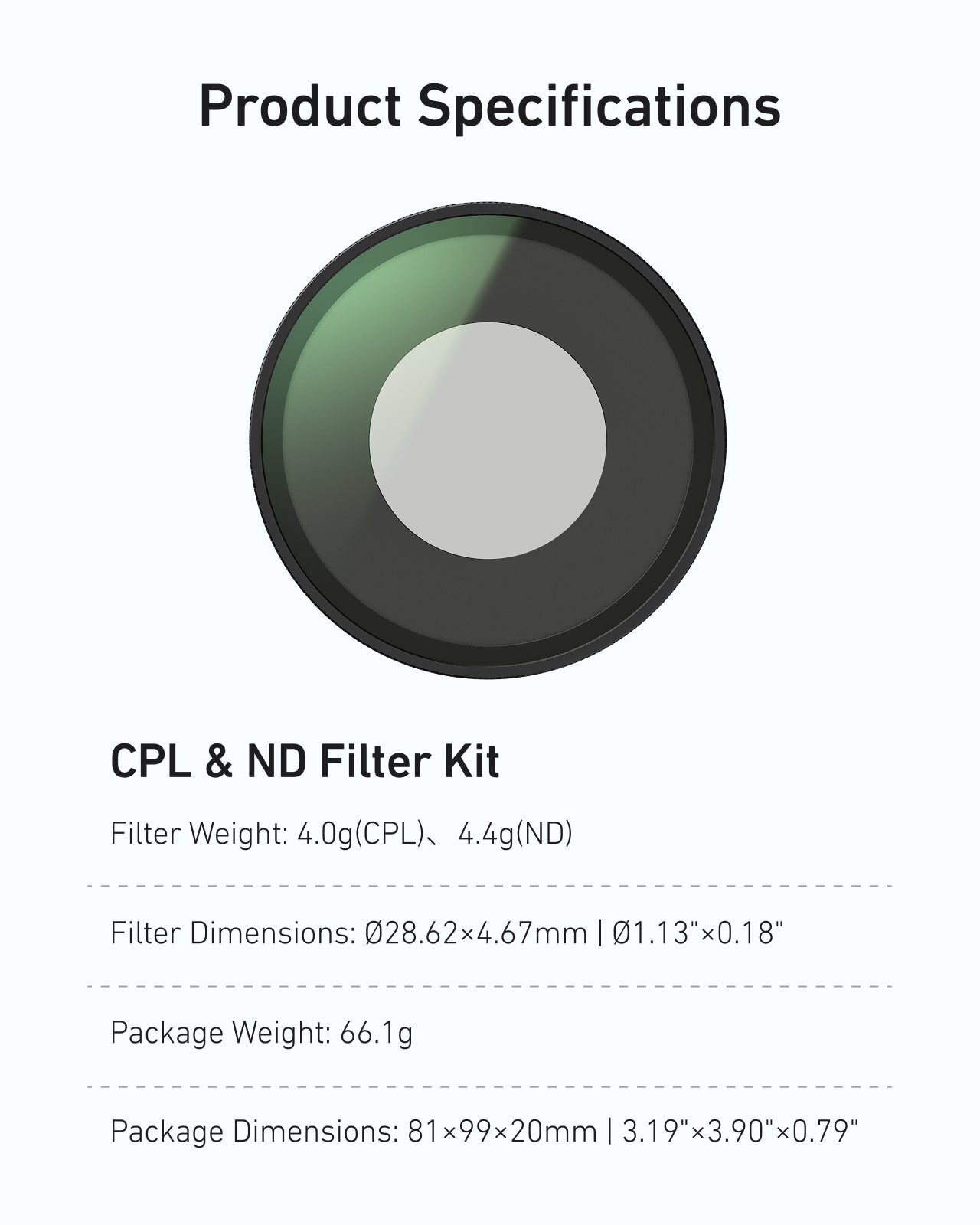
This compact set is custom-built for Insta360 GO Ultra / GO 3 Ultra, keeping your setup small and balanced.
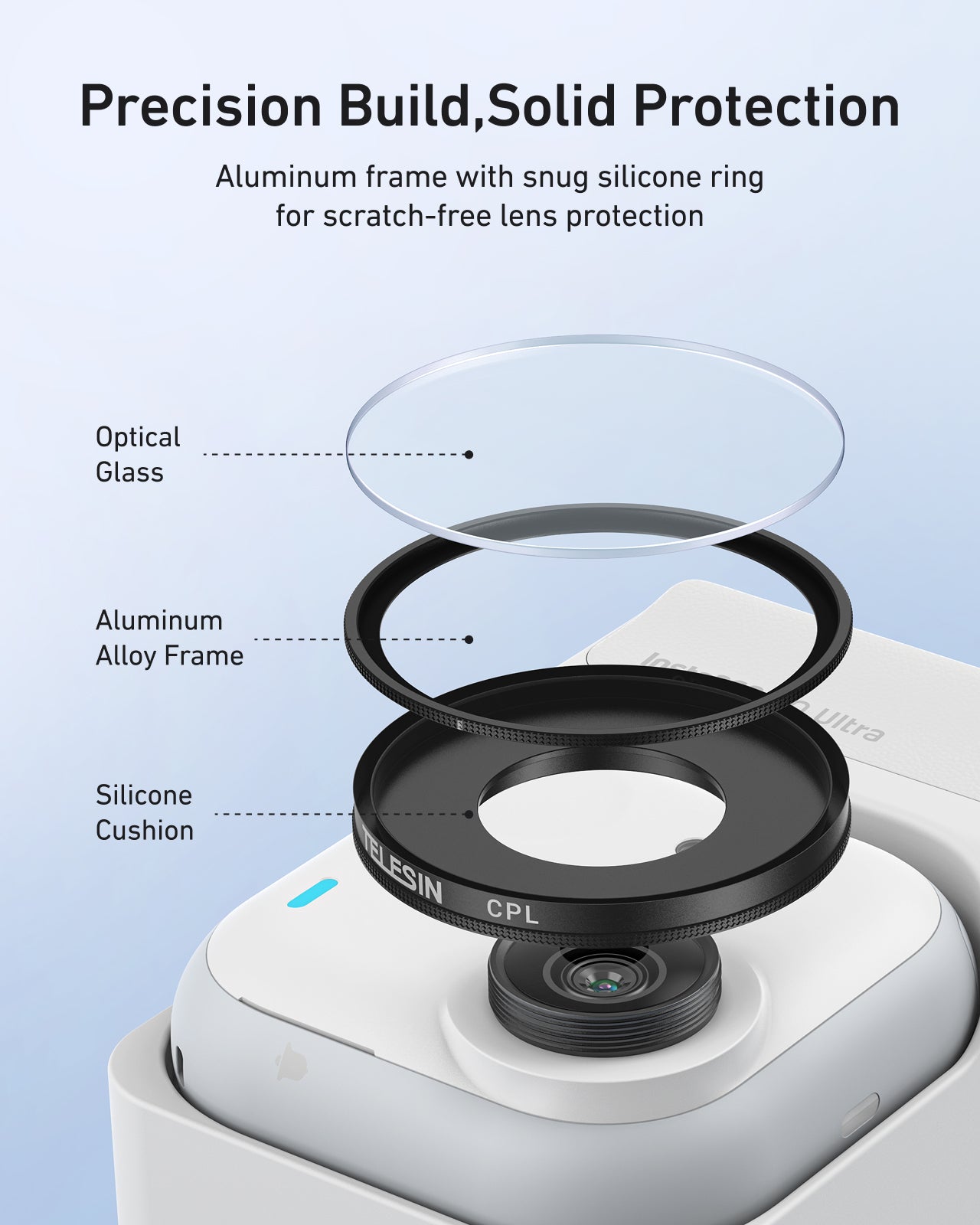
Materials & Construction
Instead of scattering details through the text, keep the key build features in one place:
|
Feature |
Detail / Benefit |
|
Frame material |
Precision aluminum alloy – lightweight yet durable |
|
Glass type |
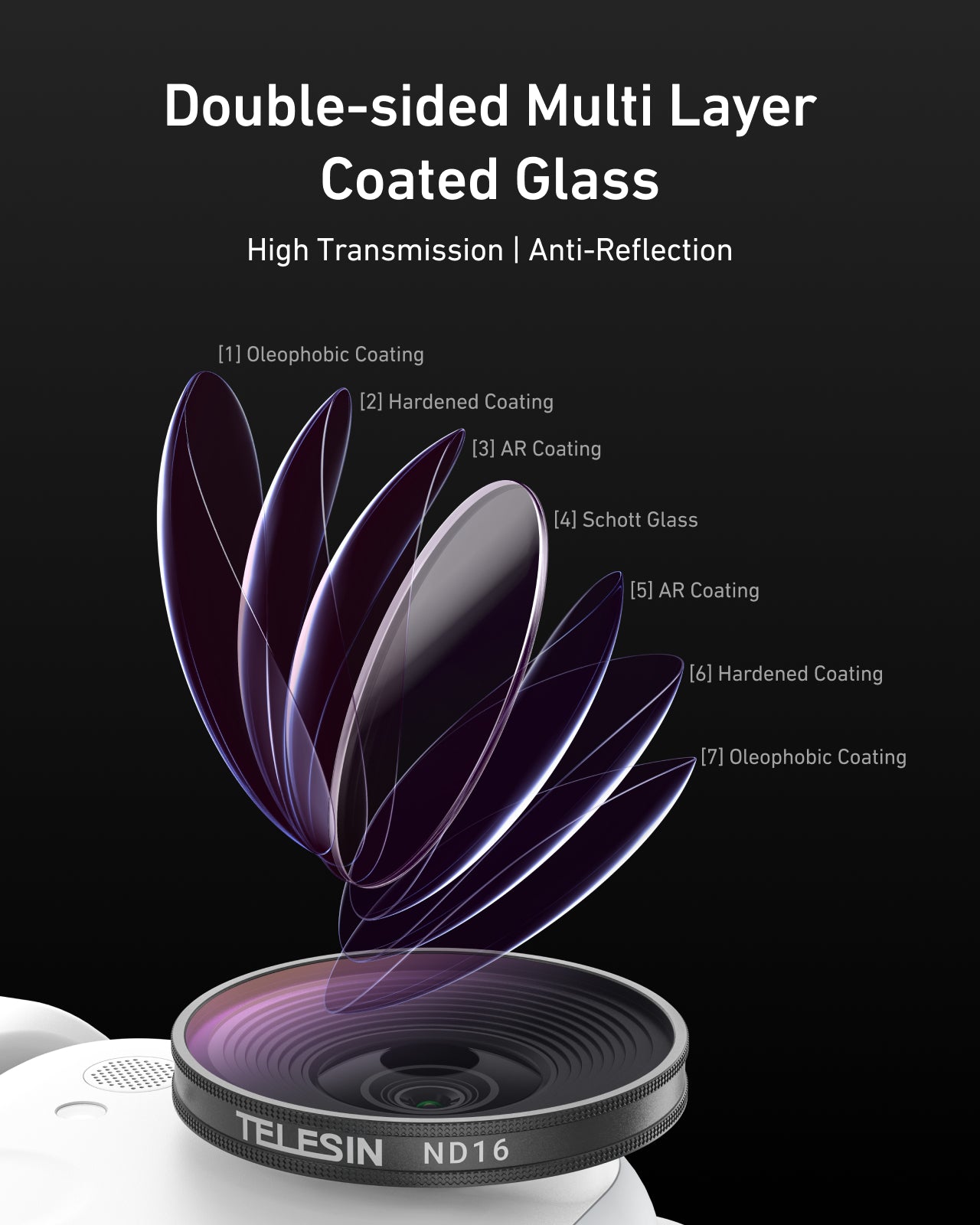
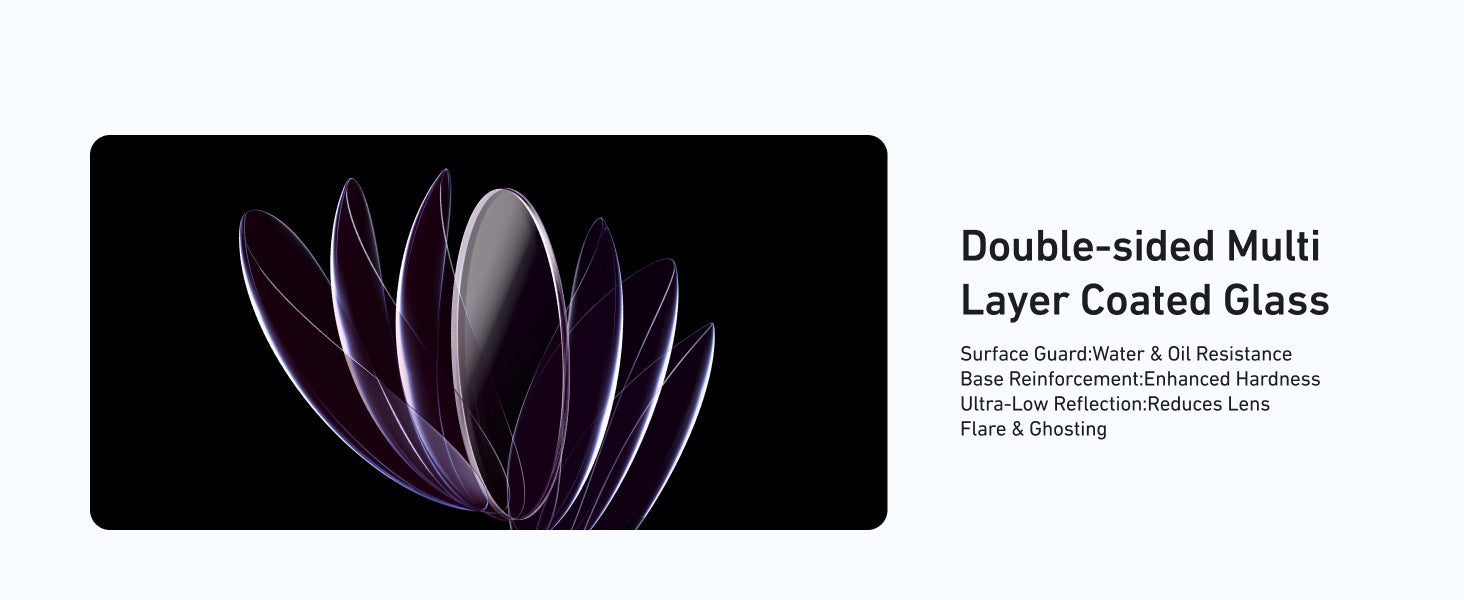
Optical glass with double-sided multi-layer coating |
|
Surface guard |
Hydrophobic & oleophobic layers – easier to wipe off water, sweat, and fingerprints |
|
Reflection control |
Ultra-low reflection coatings – help reduce flare and ghosting when backlit |
|
Protection |
Scratch-resistant surface – adds a protective barrier in front of the GO Ultra lens |
You get both image control and physical protection, without turning your ultra-compact camera into a bulky setup.
How Do I Choose the Right Filter for My GO Ultra Shots?
Quick Decision Guide by Scene
Use this table as a practical starting point:
|
Scene / Lighting Condition |
Recommended Filter |
Why It Works |
|
Cloudy streets, shaded alleys, early/late in the day |
ND8 |
Adds gentle motion blur and keeps exposure under control |
|
Sunny city vlogs, daytime trail runs, general outdoor |
ND16 |
Everyday outdoor choice for balanced highlights and motion |
|
Snow, beach, open water in strong midday sun |
ND32 |
Handles extreme brightness and protects highlight detail |
|
Indoors / low light with reflections |
CPL (no ND) |
Cuts reflections without darkening the image too much |
|
Indoors / low light without reflections |
No filter |
Maximum light to the sensor, no unnecessary darkening |
Practical Use Cases
Daily vlogs & travel POV
Use CPL + ND16 on bright days to keep windows, glass, and sky looking clean and detailed.
Running & cycling POV
Use ND8 or ND16 depending on brightness to avoid jittery, over-sharp motion.
Beach, snow & water adventures
Use ND32 in intense sun to keep texture in sand or snow, optionally add CPL if reflections are distracting.
Once you understand your typical conditions, you’ll quickly know which filter to mount before you head out.
Will These Filters Affect Image Quality or Protect My Lens?
Double-Sided Coating: Clarity and Control
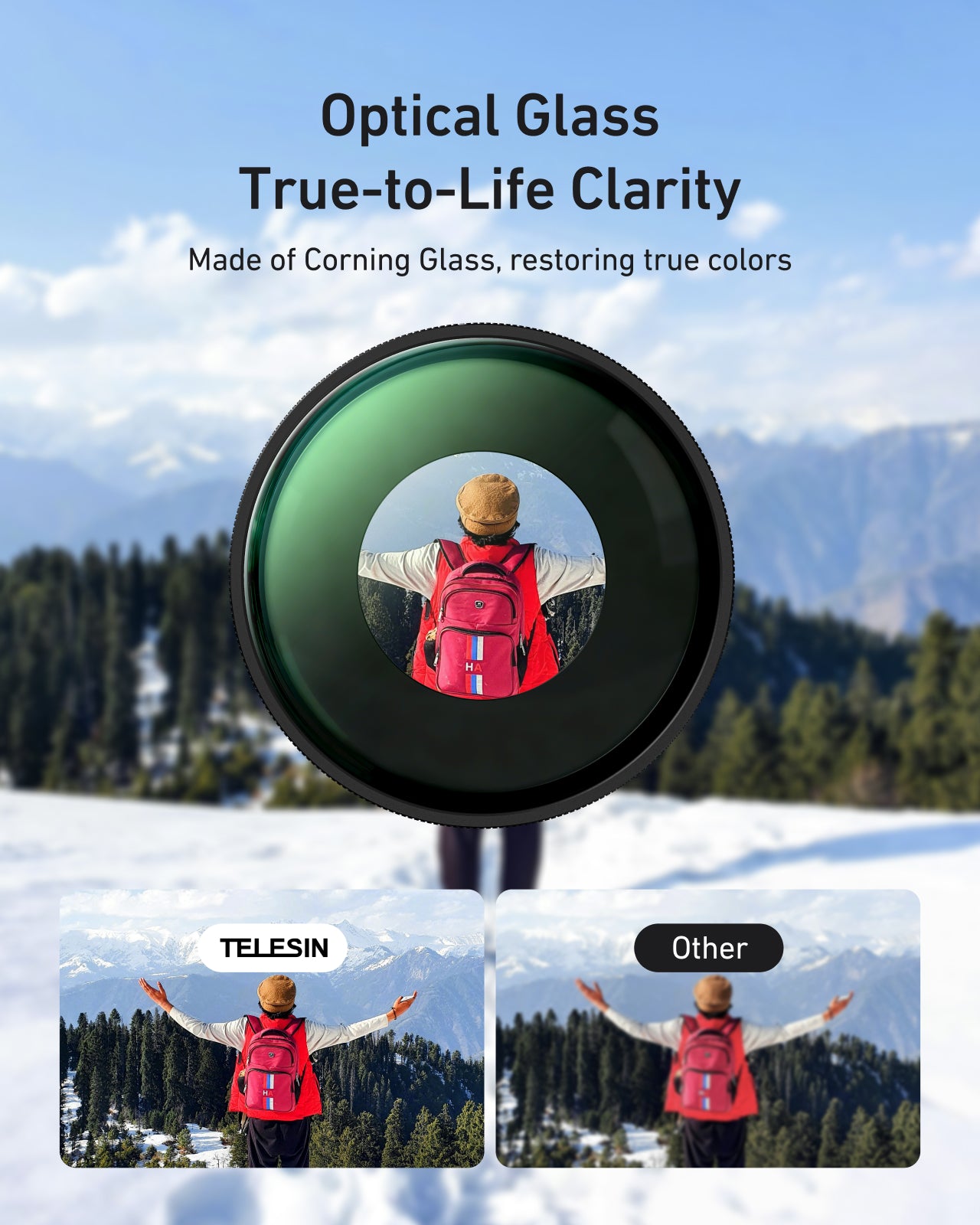
Each filter uses double-sided, multi-layer coated optical glass designed to keep your footage looking clean:
- Water & oil resistance – Coatings help repel water droplets, sweat, and fingerprints
- Enhanced hardness – Strengthened glass offers extra resistance to micro-scratches
- Ultra-low reflection – Reduced internal reflections means less flare and ghosting when shooting toward bright light
Properly cleaned and installed, the filters are designed to:
Maintain sharpness suitable for GO Ultra’s 4K footage
Keep color cast minimal so your footage still looks natural
Make highlights and flare more controllable instead of random and distracting
Real-World Protection for Your GO Ultra Lens
Beyond image control, the filters act as a sacrificial layer in front of the lens:
Help shield the GO Ultra lens from dust, grit, and small knocks
Provide a barrier that is easier and safer to clean than the camera’s own optical surface
Make it less stressful to shoot in crowded streets, on trails, or near sand and water
For serious creators, this kind of protection often pays for itself quickly.
Is This Filter Kit Compatible with My Insta360?
This kit is specifically designed for:
- Insta360 GO Ultra
- Insta360 GO 3 Ultra
It is not compatible with other Insta360 models (such as GO 3S, X4, X5, etc.).
Clear compatibility means better fitting, more secure mounting, and less risk of vignetting or misalignment.
How Do I Install and Swap the Filters Quickly?
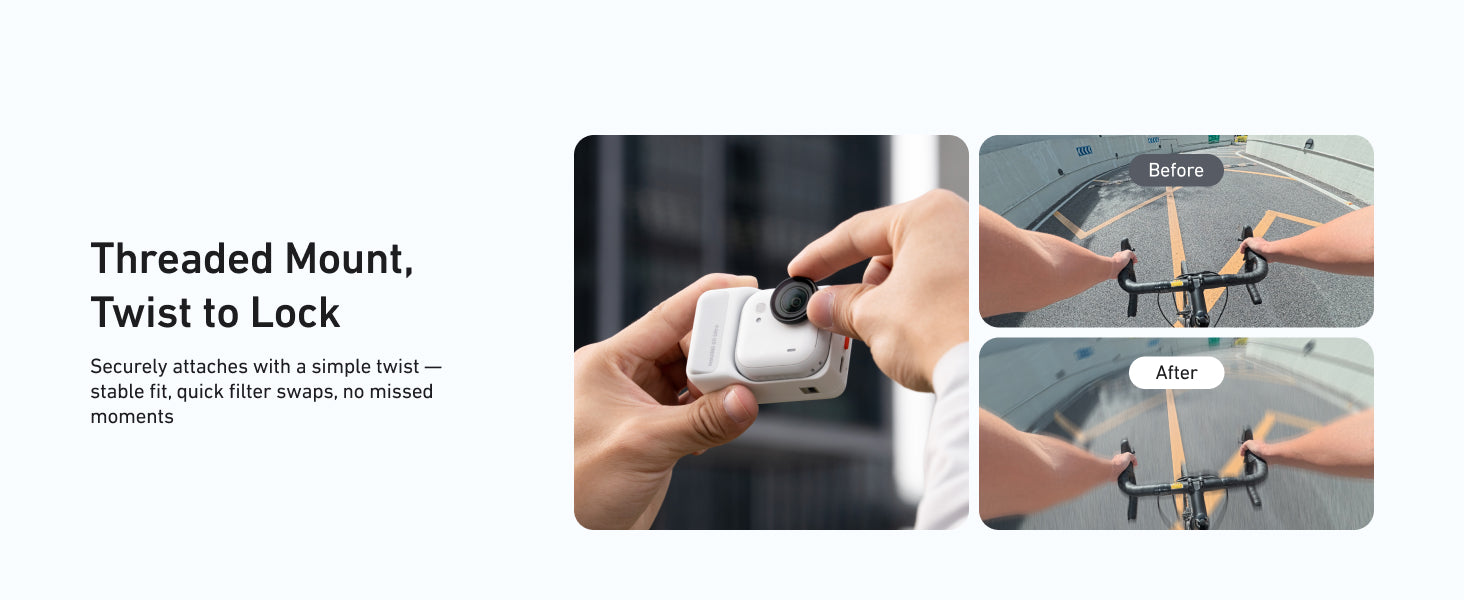
Quick-Swap Mounting
Changing filters should be fast and simple when you’re on the move:
Power off your GO Ultra and wipe the lens with a clean microfiber cloth.
Align the filter frame with the lens area, following any orientation marks.
Press gently but firmly until the filter sits flat and secure—no tools are needed.
To swap filters, hold the frame edges, remove the current filter, then push on the new one using the same steps.
This tool-free quick-swap design lets you switch from ND8 to ND32 to CPL in seconds as conditions change.
Tips to Avoid Vignetting and Fogging
Make sure the filter is fully seated and not tilted or misaligned
Keep both the camera lens and filter glass clean and dry to avoid haze
Let camera and filters acclimate if moving between very cold and warm environments
Correct installation gives you clean, vignette-free coverage that looks natural in every clip.